How to Convert Image to PDF in 2 Minutes (Free & Easy)
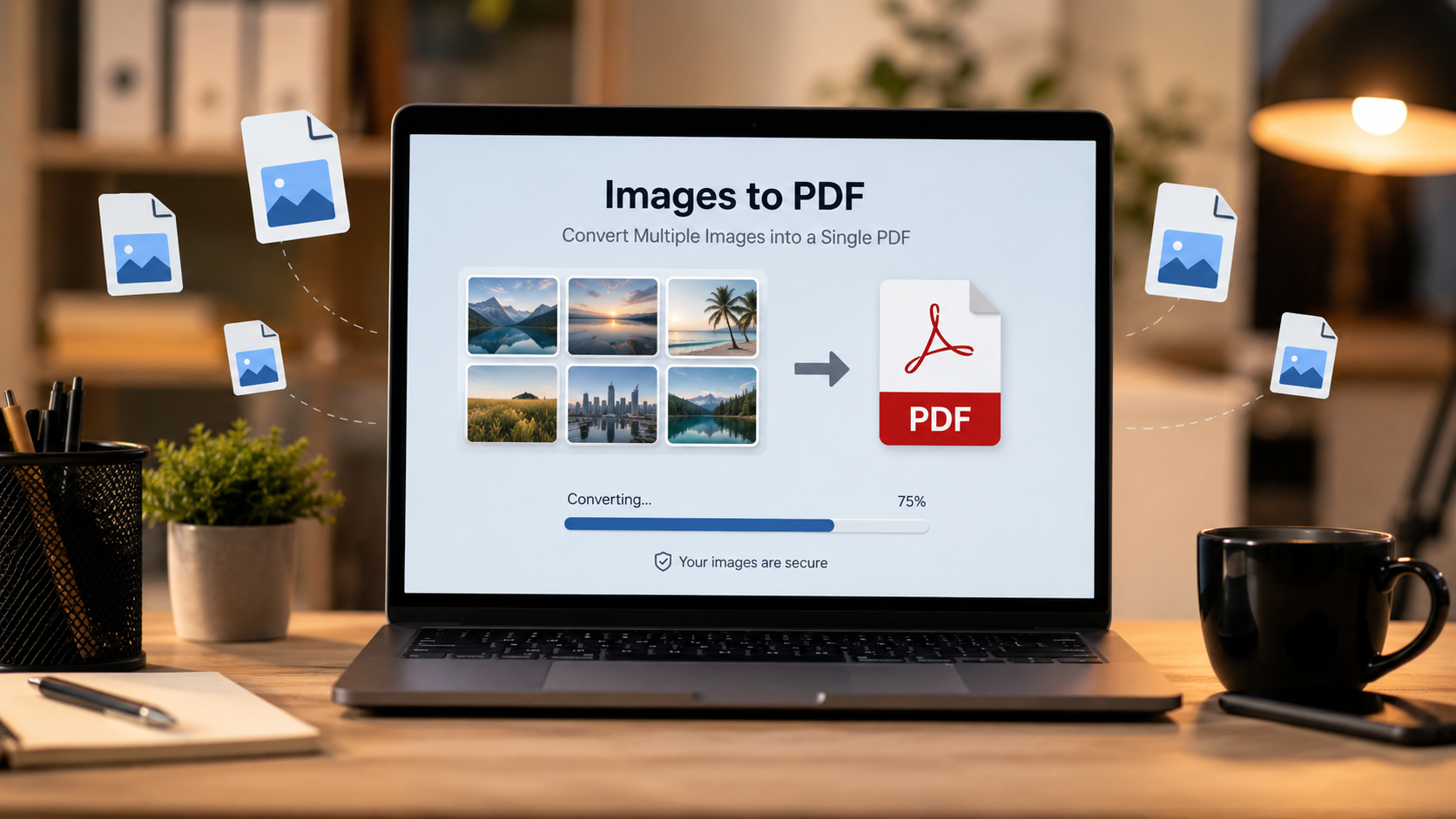
Have you ever needed to convert an image to PDF quickly but didn't want to install heavy software? Whether you're a student submitting assignments, a professional sending scanned documents, or someone organizing personal files, converting images to PDF is a common need.
In this guide, I'll show you the easiest and fastest way to convert images to PDF in under 2 minutes – completely free, without signing up, and without losing image quality.
🎯 Why Convert Image to PDF?
| Reason | Use Case |
|---|---|
| Professional Documents | Send contracts, invoices, or reports as PDF |
| Academic Submissions | Submit assignments or research papers |
| Preserve Quality | PDF maintains image quality better than JPG |
| File Compression | PDFs often have smaller file sizes |
| Multi-Page Documents | Combine multiple images into one file |
| Security | PDFs can be password-protected |
🔧 Method 1: Using XToolBoost Image to PDF Converter (Fastest)
This is the quickest and easiest method – no registration, no software download, and completely free.
Step-by-Step Guide:
Step 1: Open the Image to PDF Tool
Visit our free Image to PDF Converter tool. It works on any device – desktop, tablet, or mobile.
Step 2: Upload Your Image
Click the upload button and select your image file. We support all common formats:
- JPG / JPEG
- PNG
- GIF
- BMP
- WEBP
- SVG
Step 3: Convert in Seconds
Once uploaded, simply click "Convert". Your images will be processed and converted to PDF format within seconds.
Step 4: Download Your PDF
After conversion, your PDF file will be automatically downloaded. That's it! 🎉
Total Time: Less than 2 minutes.
Why Choose XToolBoost?
- ✅ 100% Free – No hidden charges
- ✅ No Sign-Up Required
- ✅ No Watermarks
- ✅ High Quality – Images are not compressed
- ✅ Multi-Image Support – Merge multiple images into one PDF
- ✅ Works on All Devices – Desktop, tablet, and mobile
- ✅ Secure – Files are processed locally and deleted after download
Try It Now!
Convert Image to PDF Free →🔄 Method 2: Using Windows Built-in Feature
If you're using Windows and prefer offline methods, here's a quick way:
Steps:
- Open your image in Photos app
- Click Print (or press
Ctrl + P) - From the printer dropdown, select "Microsoft Print to PDF"
- Click Print
- Choose a location and save your PDF
- ❌ Can only convert one image at a time
- ❌ Limited customization options
- ❌ No multi-page merging support
🍎 Method 3: Using Mac Built-in Feature
Mac users can also convert images to PDF without any additional software:
Steps:
- Open your image in Preview app
- Go to File → Export as PDF
- Name your file and click Save
- ❌ Cannot merge multiple images
- ❌ Limited quality control
📱 Method 4: Using Mobile Apps
For smartphone users, there are many apps available:
| App Name | Platform | Pros | Cons |
|---|---|---|---|
| Adobe Acrobat Reader | iOS & Android | Trusted, free | Requires sign-up |
| CamScanner | iOS & Android | Good quality | Has watermarks |
| iLovePDF | iOS & Android | Feature-rich | Limited free version |
| XToolBoost | Browser | 100% Free, no sign-up | Requires internet |
💡 Pro Tips for Better Results
1. Image Quality Tips
- Use high-resolution images (at least 300 DPI for print quality)
- Avoid over-compressed images
- Use PNG format for graphics with transparent backgrounds
- Use JPG for photographs
2. File Size Optimization
- PDFs can be large. Use our Compress PDF Tool to reduce file size
- Reduce image dimensions if you don't need high resolution
- Use black & white for text documents to save space
3. Organization Tips
- Organize your images in the order you want them to appear
- Name your PDF file with a descriptive name
- Create folders to organize different types of PDF documents
4. Security Recommendations
- Use PDF Password Protection for sensitive documents
- Never share sensitive PDFs on public platforms
- Use our Merge PDF Tool to combine multiple PDFs into one
❓ Frequently Asked Questions
Yes! XToolBoost offers a completely free Image to PDF converter with no hidden charges.
No. XToolBoost maintains the original image quality without compression.
Yes! You can upload multiple images and merge them into a single PDF file.
There is no strict file size limit, but very large files (over 50MB) may take slightly longer to process.
Yes. Your files are processed locally and automatically deleted after download. We never store your images.
Yes. Our tool works on any device with a web browser – desktop, tablet, and mobile.
🎯 Summary
Converting images to PDF doesn't have to be complicated or expensive. Here's what you learned:
| Feature | Benefit |
|---|---|
| Free Tool | No cost, no sign-up |
| Fast Processing | Under 2 minutes |
| Multiple Images | Merge multiple images into one PDF |
| High Quality | No compression or quality loss |
| Universal Device Support | Works on any device with a browser |
📝 Final Thoughts
Whether you're a student, professional, or just someone who needs to organize documents, converting images to PDF is an essential skill. With XToolBoost, you can do it in under 2 minutes – completely free and without any hassle.
Ready to Convert?
👉 Try Image to PDF Converter Now100% Free • No Sign-Up • No Watermarks • Instant Download
